Statements and PDFs
What a statement shows, how to download or email it, and how to export your numbers.
Each closed month has one statement per collaborator who earned, recouped or was owed something that month.
What's on a statement
- Sales by store and by project.
- Costs and advances recouped this month, and so far.
- Anything brought forward from earlier months.
- What they're owed and, once recorded, when it was paid.
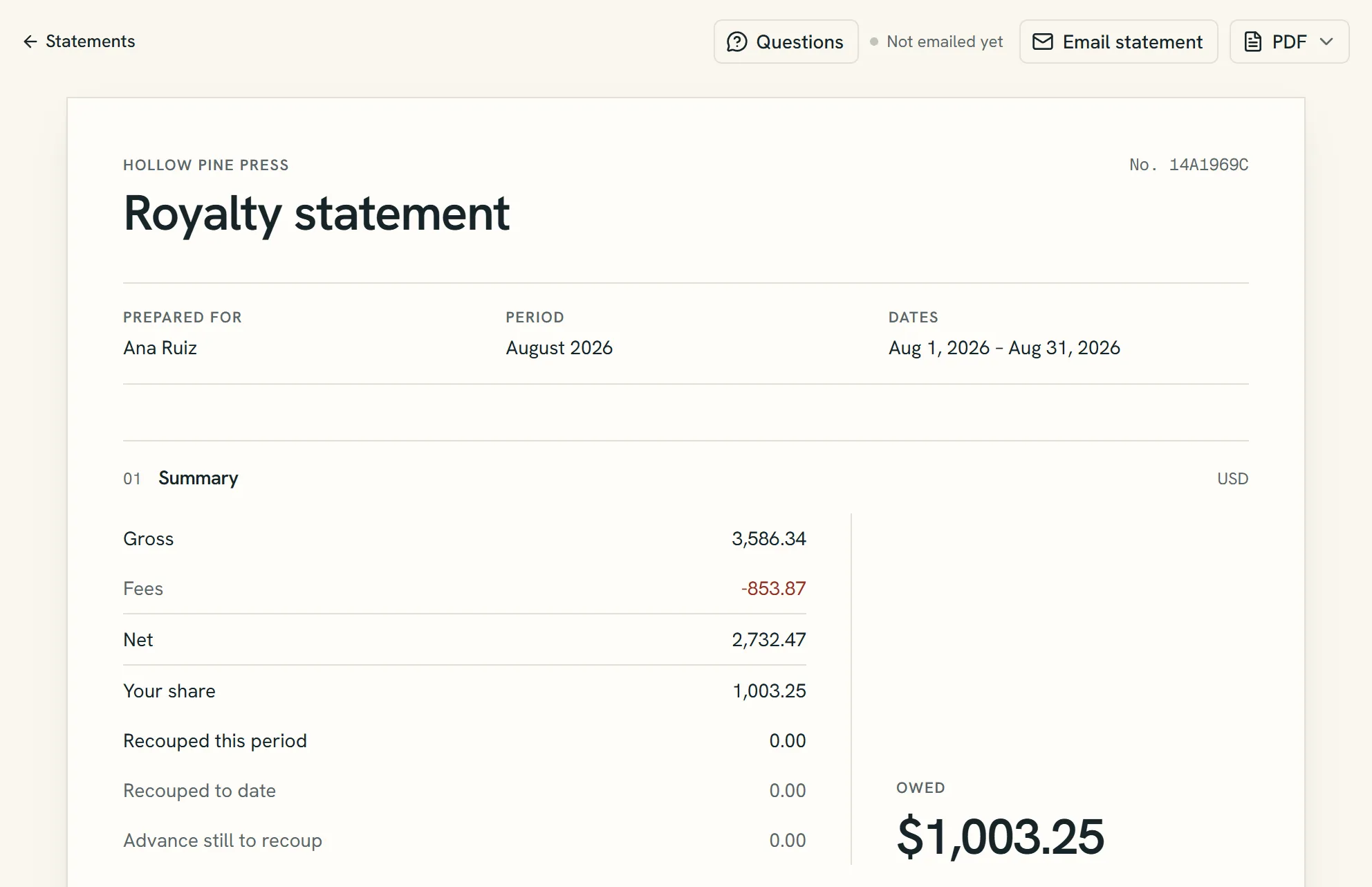
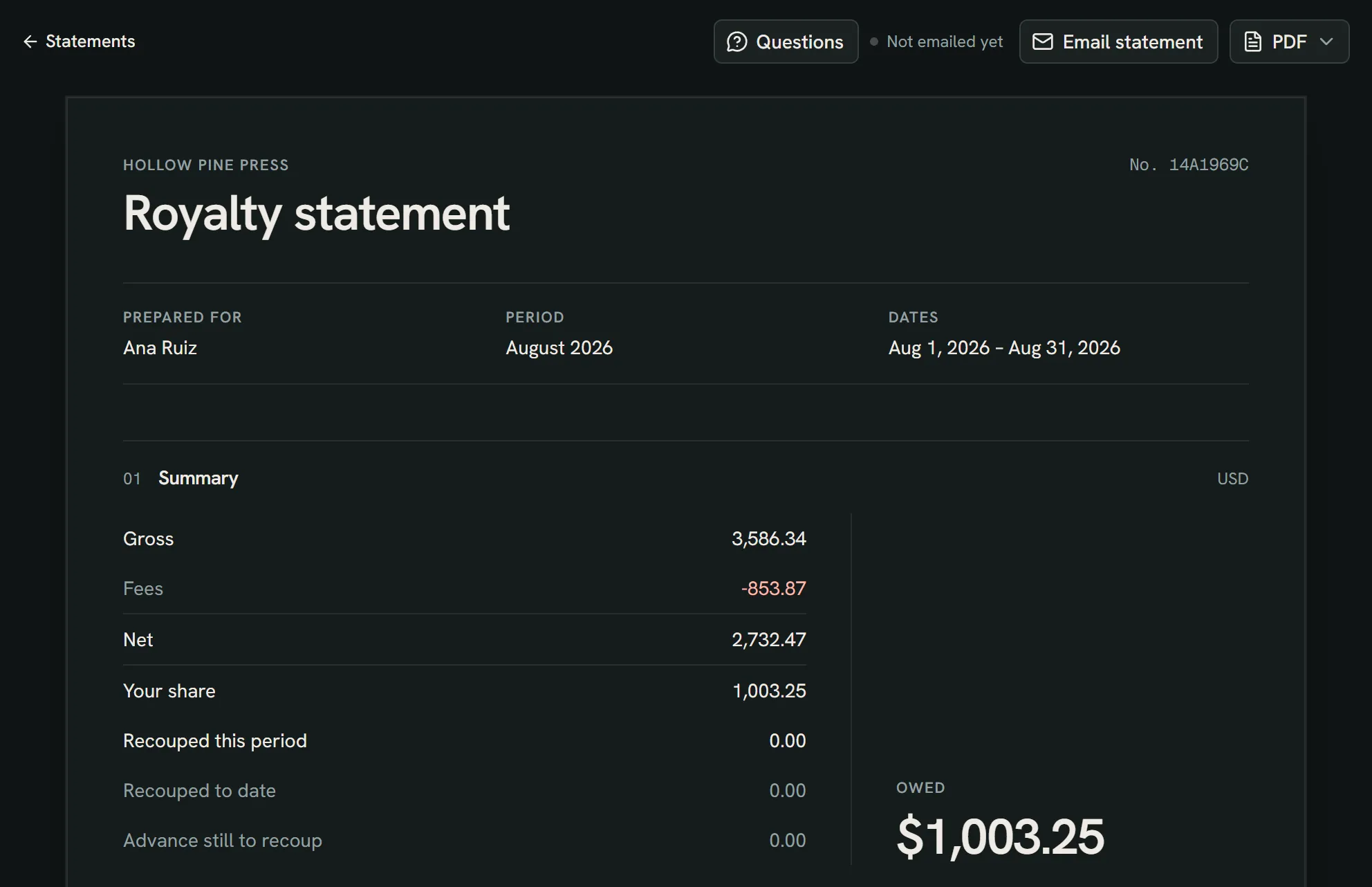
- PDF downloads the statement, or makes it again.
- Email statement sends it, or sends it again.
- Questions the collaborator asked about this statement.
- Who it's for, the month and its dates.
- What they're owed for the month.
PDFs
Every statement has a PDF, made when the month closes. Download it from the statement page. If the PDF is missing or you changed your logo, choose Regenerate PDF.
On every plan you can put your logo on statements and PDFs under Settings → General.
Emailing statements
Collaborators with an email address get a link to their statement when a month closes. Turn this off per person in the collaborator's settings under Email statements. You can also send or resend one from the statement page.
Exports
Download sales, statements or one collaborator's history as CSV from the export menus. The Pro plan adds a year-end summary per person.
Note
Splitfold doesn't give tax advice. Check with an accountant where you live.
Still have a question?
We reply by email.