Audit log
Every change, with what it was before.
Splits, product mappings, costs, months and payouts are recorded with who changed them, when, and the values before and after.

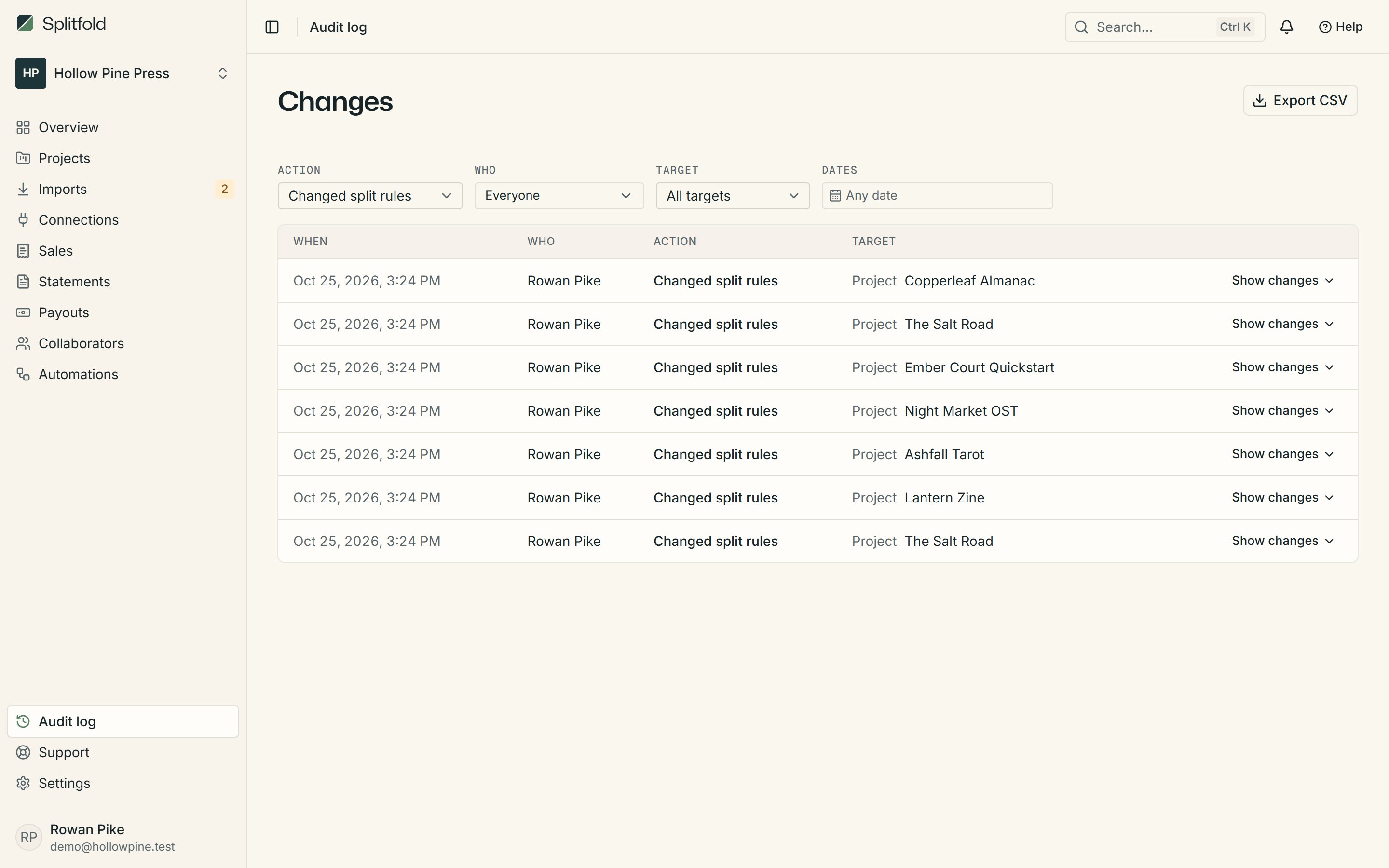
- Before and after
- A share moved from 30% to 35%? The log shows both, side by side.
- Who and when
- Every entry names the member who made the change and the time it happened.
- Kept with the workspace
- The log can't be edited from the app. It's the record you point to when someone asks.
Answers for the awkward question
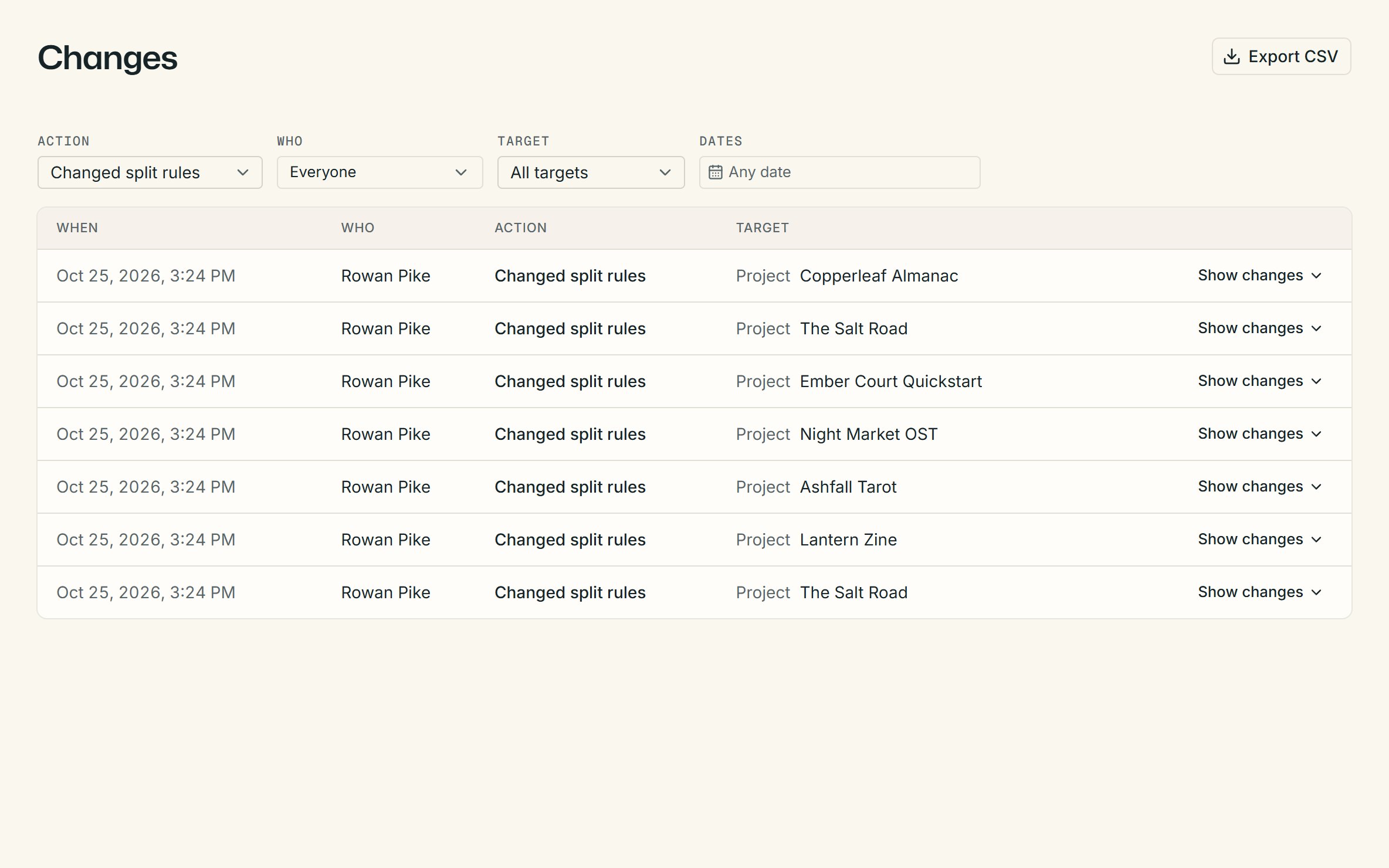
When a collaborator asks why their share looks different, open the log, filter by the kind of change, and find the one that explains it.
- Splits, mappings, costs, periods and payouts
- Filter by what changed
- Roles for owners, editors and viewers
01What gets recorded?
Every change to splits, product mappings, costs, advances, months and payouts, with the values before and after.
02Who can see the log?
Members of the workspace. Collaborators in the portal don't see it.
03Can entries be deleted?
No. The log has no edit or delete in the app, so it stays a true record of what happened.
More of Splitfold
- ImportsStore CSVs read and checked before anything is saved.Learn more
- SplitsShares per project, store and date range, exact to the cent.Learn more
- StatementsOne page per collaborator, emailed when the month closes.Learn more
- Collaborator portalStatements and history for collaborators, free for them.Learn more