The collaborator portal
Let collaborators sign in and read their own statements from every press they work with.
The portal lets collaborators read their statements and download PDFs without being members of your workspace. Collaborators never pay.
Invite someone
Open the collaborator, go to Settings and choose Send portal invite. They need an email address on their collaborator record.
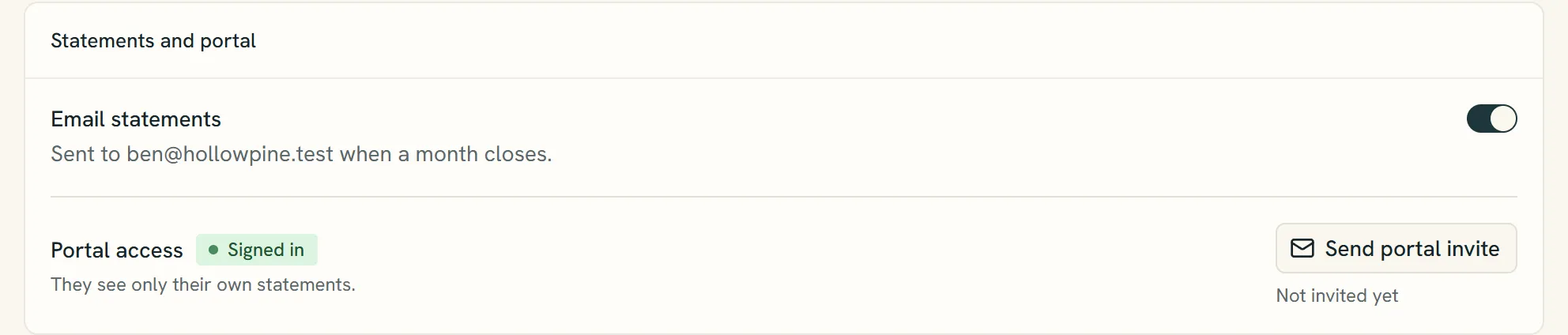
- Turn statement emails on or off for this person.
- Whether they've been invited to the portal or have signed in.
- Send portal invite emails them a portal invitation.
How they sign in
They create a free account with that same email address, confirm their email and sign in with a password. Existing users can sign in directly. Anyone who previously used email links can choose Forgot password to set a password.
What they see
Only statements of collaborator records whose email matches the address they signed in with. If several presses use Splitfold with the same email, the portal shows statements from all of them, grouped by press.
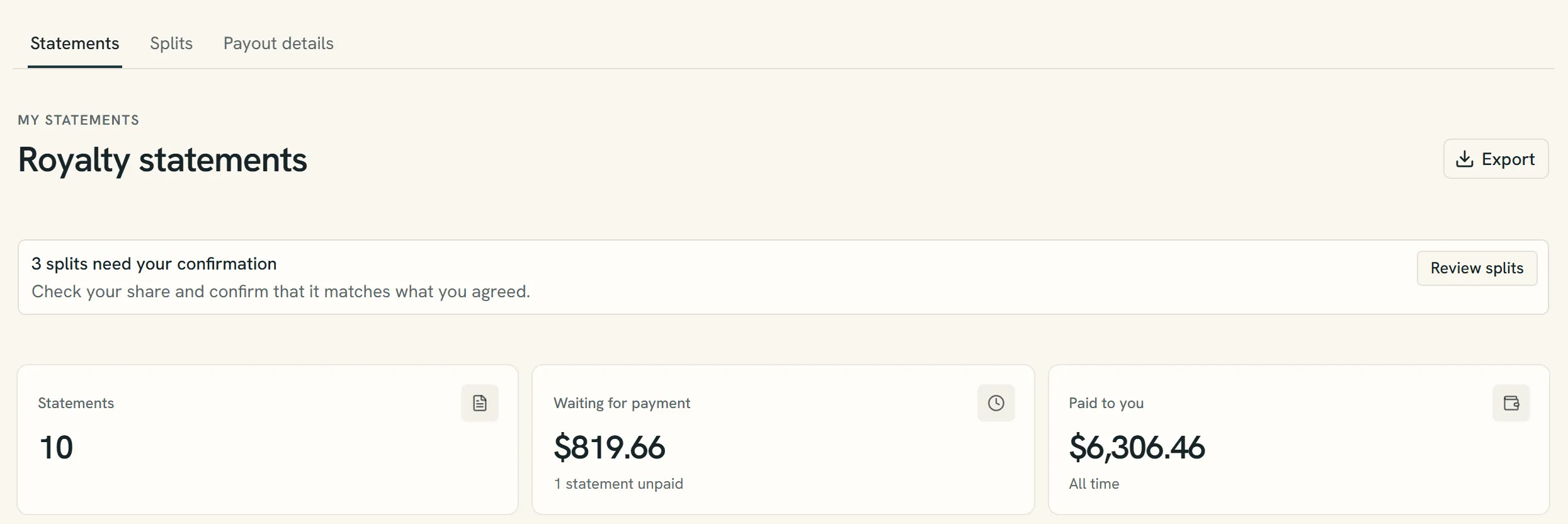
- Review splits asks them to confirm their share.
- What's still waiting to be paid.
- Payout details is where they say how they want to be paid.
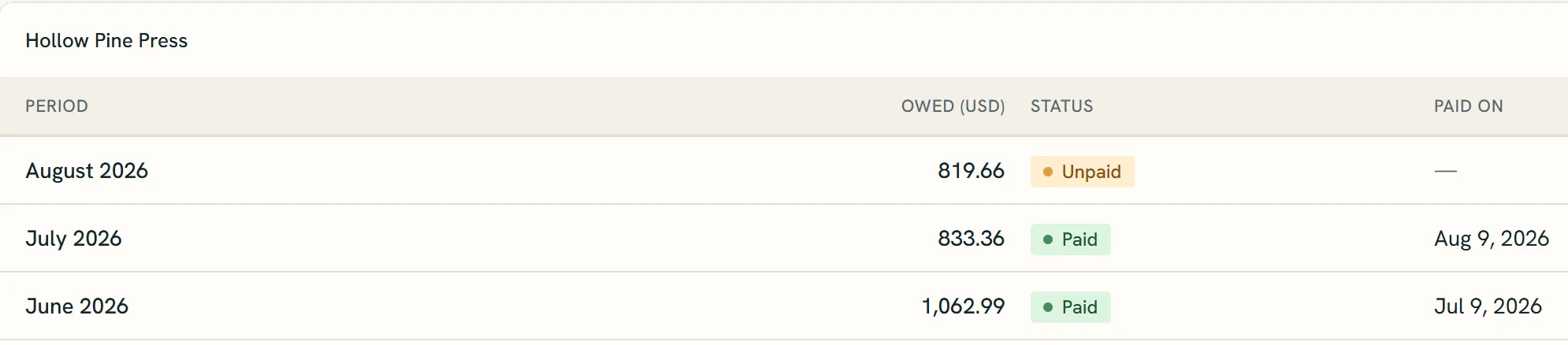
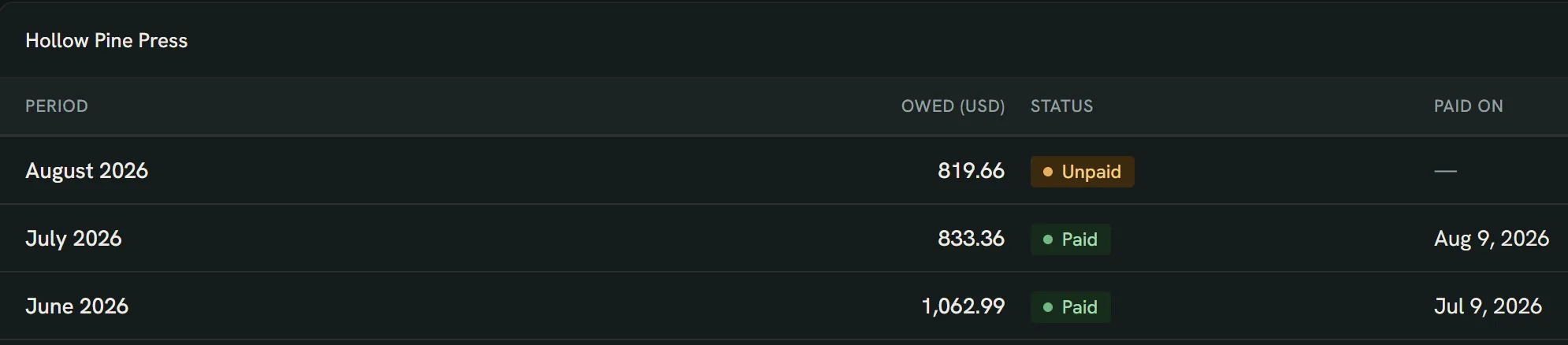
- Statements are grouped by press.
- Months you haven't paid yet.
- The date you marked it paid.
They can't see other people's shares, your project settings or anything else in the workspace.
Confirming a payment
When you mark a statement paid, the collaborator sees the date and method on it and can answer I got it or Not arrived. They can change their answer later.
Their answer shows next to the payment in Payouts and on the statement: Received, Not arrived, or Waiting for confirmation until they answer. Owners and editors get a notification. Not arrived also opens a question about the payment, so you can reply on the statement.
Changing an email address
If a collaborator's email changes, update it on their record. Their statements then show up for the new address.
Still have a question?
We reply by email.