Store connections
Sync sales automatically from Stripe, Shopify, Steam, the App Store, Google Play, Paddle, Polar, Gumroad, Lemon Squeezy, Payhip and Ko-fi instead of uploading files.
Connections pull sales straight from a store, so you don't have to upload files. Indie includes 2, 3 or 5 connections depending on its size, checked once a day; Pro includes unlimited connections checked every few hours. Stores that send webhooks deliver sales as they happen on both. Only the workspace owner can add, change or remove a connection.
Supported stores
- Polar: orders and refunds, synced on your plan's schedule and pushed by webhook as they happen.
- Gumroad: sales, refunds and chargebacks, synced on your plan's schedule. Once a day Splitfold re-checks the last 180 days so late refunds and chargebacks are caught. Affiliate commission and your payment processor's fee come off Net.
- Lemon Squeezy: orders, subscription renewals and refunds, synced on your plan's schedule and pushed by signed webhook. A test-mode key makes a test connection that imports only test-mode orders.
- Stripe: successful charges, their refunds and lost disputes, with Stripe's processing fee kept apart and converted at that day's rate when Stripe charges it in another currency. Use a restricted key with read access. Test-mode keys make a test connection.
- Shopify: paid orders, one row per line item, and refunded quantities. Test orders and gift cards are skipped. Connect with your shop's myshopify.com address and an app's credentials.
- Paddle: completed transactions with Paddle's fee, plus refunds and chargebacks. Sandbox keys work too.
- Steam: daily sales and returns by package, country and platform, in US dollars and without tax. Checked once a day.
- App Store: settled proceeds from Apple's monthly financial reports. Checked once a day until each month's report is out.
- Google Play: orders, Google's fee and refunds from the monthly earnings reports. Checked once a day.
- Ko-fi: donations, memberships, commissions and shop orders, sent by webhook as they happen. Ko-fi has no sales API, so there is nothing to sync and Ko-fi sends no fees or refunds.
- Payhip: paid orders and refunds, sent by webhook as they happen, with Payhip's fee and the card fee when Payhip includes them. Payhip has no sales API, so only payments sent after you connect are counted.
Splitfold checks each connected store once a day on Indie and every few hours on Pro. When a store's webhook is set up and working, new sales arrive as they happen and Splitfold checks the store once a day to catch anything missed.
If a smaller plan includes fewer connections than you have, the oldest stay active and the rest are paused and marked Paused by plan. Nothing is deleted.
Note
itch.io, DriveThruRPG and Bandcamp have no sales API we can use, so they stay on CSV imports.
Connect a store
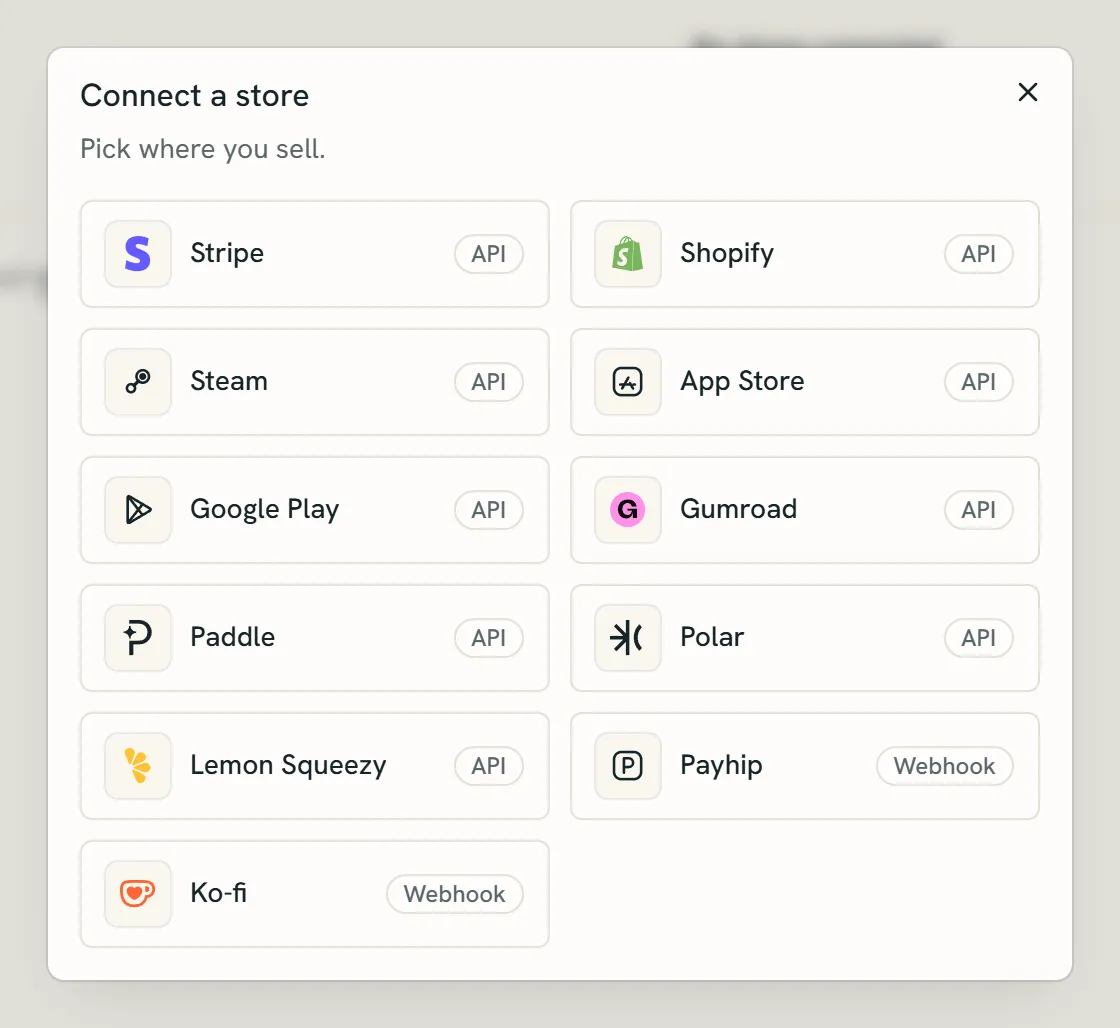
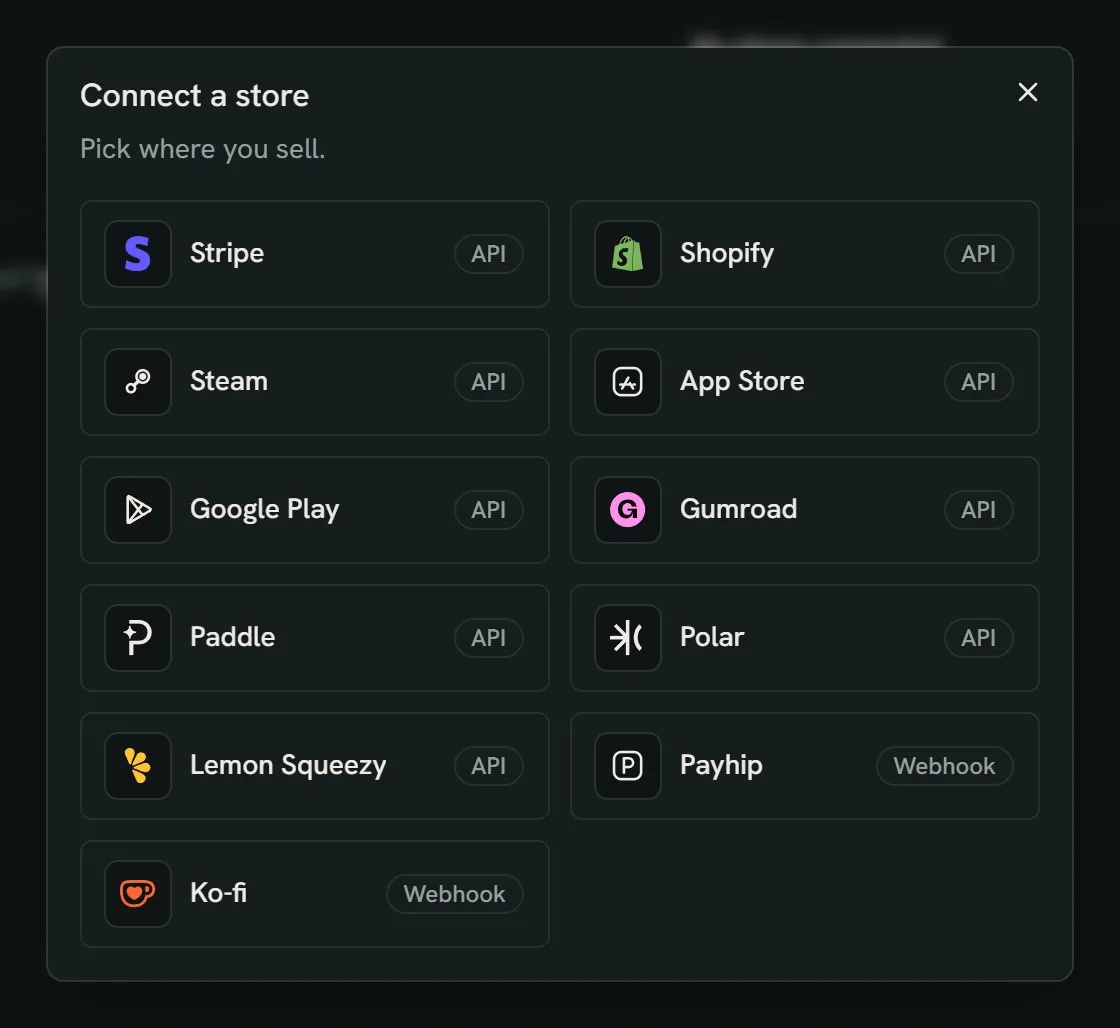
- Pick the store you sell on.
- API: Splitfold checks the store for new sales on your plan's schedule.
- Webhook: the store sends each sale to Splitfold as it happens.
- Open Connections and pick the store.
- Create an access token or API key in the store, following the steps shown, and paste it in. Tokens and keys are stored encrypted and never shown again.
- Where the store has webhooks, add the webhook URL shown to the store, with its signing secret.
- Choose what happens when a new product appears.
Steam
- In Steamworks, open Users & Permissions, then Manage Groups, and create a Financial API Group named Splitfold. It needs no users or apps.
- Open the group and copy its Web API key. One key covers every app on the account. Don't limit the key to IP addresses.
- Paste the key in Splitfold. If your revenue tier has lowered Valve's share to 25% or 20%, enter it; otherwise leave it at 30%.
Steam reports sales before Valve's share, so Valve's share is booked as the store fee. You can change it on the connection later; sales already booked keep the share they had. Steam sometimes updates days it already reported. Splitfold books the difference as a correction, and a correction for a closed month goes into the earliest open month. Days are Pacific Time, as Steam reports them.
App Store
- In App Store Connect, open Users and Access, then Integrations, then App Store Connect API. Only the Account Holder or an Admin can create keys.
- Under Team Keys, add a key named Splitfold with the Finance role, then download the .p8 file. Apple lets you download it only once.
- Copy the Issuer ID above the key list and the Key ID from the key's row.
- Find your vendor number in Payments and Financial Reports, at the top left.
- Paste the four values in Splitfold, or choose the .p8 file.
Splitfold reads the settled financial reports, the proceeds Apple pays you, not the daily sales estimates. Apple's proceeds are already after its commission and tax, so gross and net are the same and the store fee is zero. Apple's financial month runs four or five weeks; each report line is booked on the middle day of its period, which falls in the calendar month the report is named after. A month that has no report yet is checked again the next day.
Google Play
- In Google Cloud, create a service account named Splitfold. It needs no Cloud roles. Open it, go to Keys, add a key and download it as JSON.
- In Play Console, open Users and permissions, invite the service account's email address and turn on View financial data under account permissions. Access can take up to a day to start working.
- In Play Console, open Download reports, then Financial, and click Copy Cloud Storage URI. It starts with gs://pubsite_prod_rev_.
- Paste the URI and the JSON key in Splitfold, or choose the JSON file.
Each order in the monthly earnings report becomes one sale, after tax, in the currency Google pays you, with Google's fee as the store fee. Refunds and the fee Google returns are booked in the month Google reports them.
Payhip
- In Payhip, open Settings, then Developer, and copy your API key.
- Paste it in Splitfold, then paste the webhook URL Splitfold shows into Payhip's webhook endpoint and save.
Payhip signs each delivery with your API key, so Splitfold only accepts deliveries that carry it. If a delivery fails, Payhip tries again every hour for three hours.
New products
- Leave unmatched: the sales wait on the Imports page until you map them.
- Create a project: a project is made for each new product, with a saved split template or one you set there.
- Map to a project: every new product goes to one project you choose.
When something goes wrong
A connection whose token stops working shows an error. Open it to see the sync history, rotate the token or disconnect. Disconnecting keeps the sales that were already imported.
Sync now revisits the history from your selected start date. Large histories continue in batches. Automatic checks use a shorter window; for an older refund on Gumroad, Polar or Lemon Squeezy, use Sync now or import a fresh export. Keep webhooks enabled where available.
Stripe also checks recently created refunds, even when the original charge is older. If Stripe has not made a charge's processing fee available yet, the sync shows an error and can be retried later. Fees settled in a different currency need a reconciled CSV in the sale currency.
Still have a question?
We reply by email.