Importing sales
Bring in exports from itch.io, Gumroad, DriveThruRPG, Bandcamp, Amazon KDP, ACX, Kickstarter and BackerKit, map products to projects and set up bundles.
Go to Imports → Import sales. The file is read in your browser first, so you can check it before anything is saved.
Not sure which file to download? Which file to export from each store has short steps for each store.
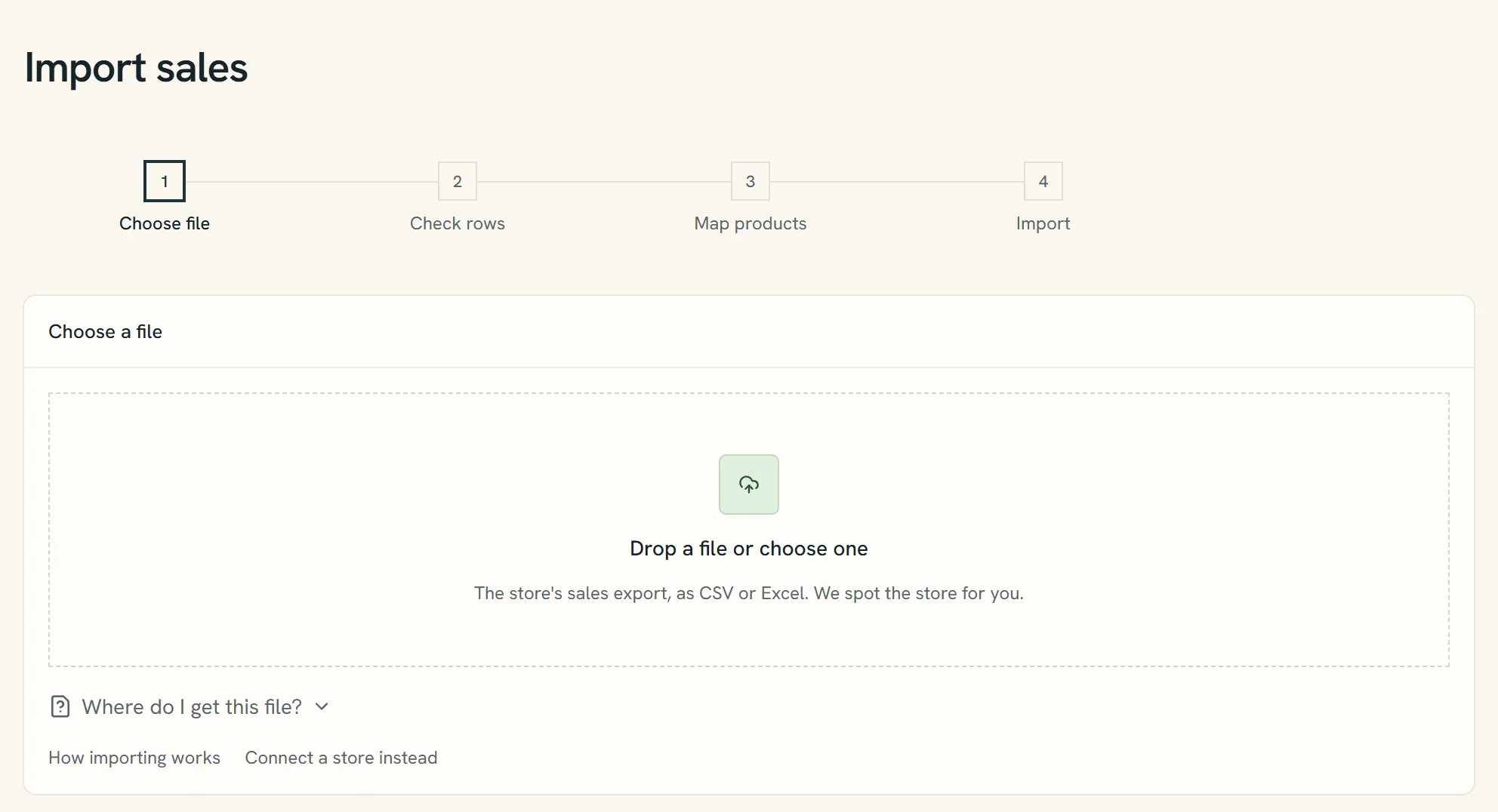
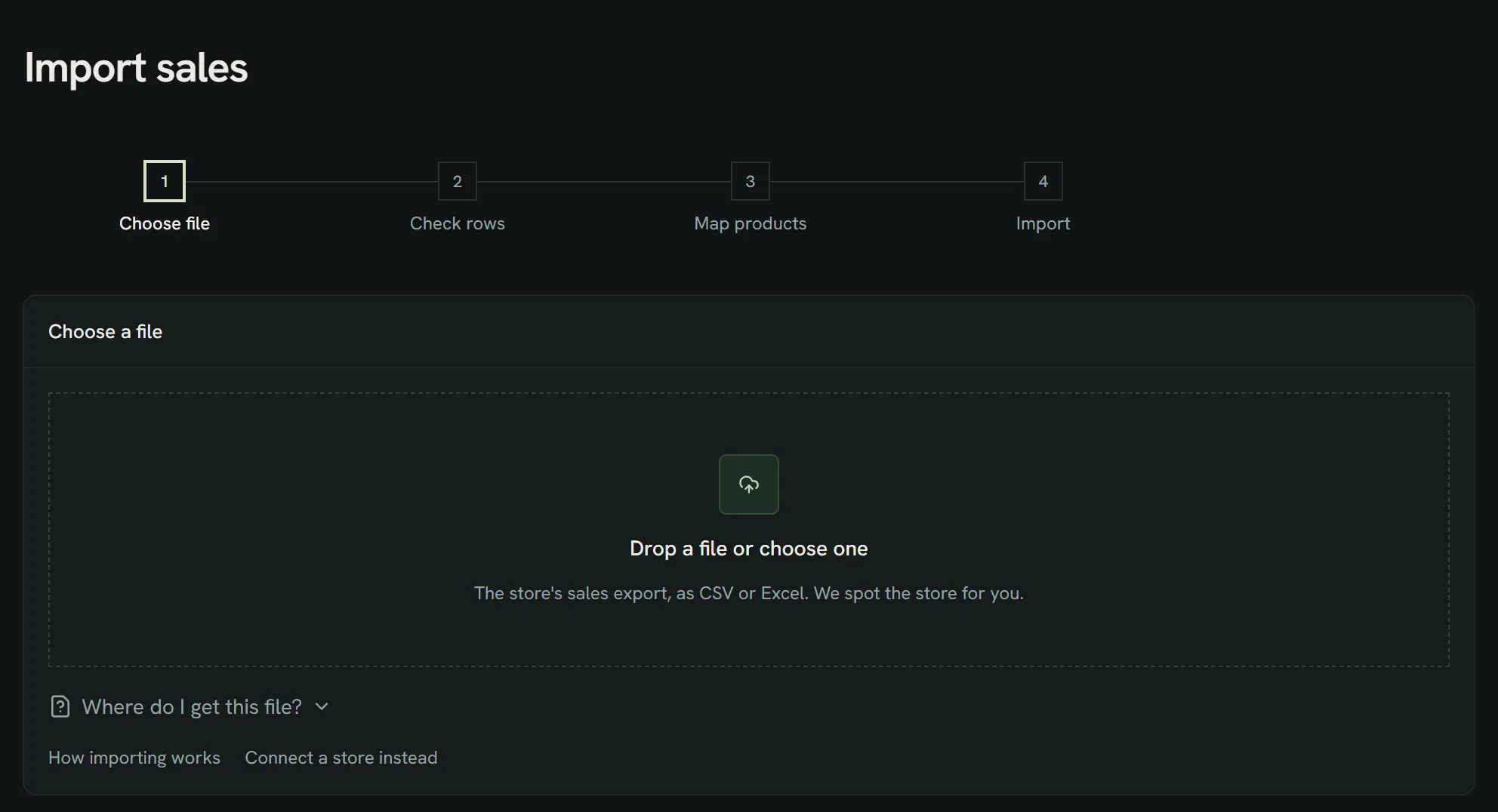
- The four steps: Choose file, Check rows, Map products and Import.
- Drop the store's CSV or .xlsx here, or choose it. The store is spotted from the columns.
- Where do I get this file? lists the export steps for each store.
- Selling on a store with an API? Connect a store instead and skip the file.
Supported files
Sales exports from itch.io, Gumroad, DriveThruRPG, Bandcamp, Amazon KDP, ACX, Kickstarter and BackerKit, as CSV (up to 20 MB) or Excel (.xlsx, up to 10 MB). Splitfold detects the store from the columns. If it picks the wrong one, choose the store yourself.
An Excel workbook is read sheet by sheet in your browser and stored privately as you uploaded it. Older .xls files aren't read; save them as .xlsx or CSV first.
Any other store's CSV works too: map its columns once and save the mapping as a template. See Other stores and import templates.
An itch.io export is recognised by columns like these:
id,game,created at,amount,currency,marketplace fee,source fee,amount delivered
88123,Salt & Ember,2026-10-03 14:20:11,12.00,USD,1.20,0.65,10.15
Books and crowdfunding
- Amazon KDP: in KDP Reports, download Prior Months' Royalties for the month and upload the .xlsx as it is. The eBook, paperback, hardcover and KENP sheets are read; the summary and combined sheets are skipped so nothing counts twice. The royalty Amazon pays you is the sale, with no fee, in each marketplace's currency. Page reads come in once KDP has set their royalty, with no units. A single sheet saved as CSV works too.
- ACX: on the sales dashboard, open Earnings, choose the month and download the royalty report. Each title's royalty per marketplace is the net; when the report shows net sales, ACX's share is kept as the fee.
- Kickstarter: on the project's Backer report, export all backers as CSV after the campaign is funded. Collected pledges come in without shipping, less Kickstarter's 5% and payment processing (3% plus 0.20, or 5% plus 0.05 under 10). If the file has fee columns, those are used instead. Dropped and errored pledges are left out; refunded pledges are reversed.
- BackerKit: export orders with Order Information and Accounting Data. What BackerKit collected for add-ons, upgrades and late pledges is the sale, without shipping and tax. Refunds reverse the sale in full or in part. Pledges already paid on Kickstarter aren't counted again.
The four steps
- Choose file: drop the CSV or .xlsx file. Where do I get this file? under the drop area lists each store.
- Check rows: see the dates, how many sales and refunds the file has, and the totals per currency. Rows that can't be read are listed with their row number.
- Map products: pick the project each new product earns for. When they all go to one project, All for one project? maps them in one go. Splitfold remembers this, so the next file from that store maps itself.
- Import: the file is uploaded and processed in the background. You can leave the page; a message tells you when it's done.
After the import
The page shows how many sales were added, already there, still without a project, or unreadable, and what to do next:
- Sales without a project: choose Map products. A month can't close until every sale has a project.
- Unreadable rows: open the import to see each row and why. Fix them in the file and import it again; rows already in are skipped.
- Everything in: when the month is over, close it on Statements. See Closing a month.
If the import fails, open View import and review the error and any saved sales before retrying. A failure after processing starts can leave some rows saved; uploading again skips rows already present.
Dates and months
One file can include several months or years. Each sale uses its own date, regardless of the month selected when you upload. Older open months receive their sales automatically. View import → Booked months lists the affected months and links to their sales. Entries dated in closed periods are booked into an open period after the latest closed month, with their original dates preserved.
What is imported
Splitfold reads the financial fields supported by the store's export or your column mapping: date, product, quantity, currency, gross, fees, net and refunds. The sales list shows products, their project mappings, original amounts and converted net amounts. Unknown products stay unmatched until you choose a project; saved mappings apply to later imports.
Buyer names, emails, addresses and extra CSV columns are not added to the sales ledger. The original uploaded file is stored privately and can still contain those details. Transaction amounts are imported; a separate product catalog price is not inferred from them.
Duplicates
Every row gets a fingerprint. Importing the same file twice, or two files that overlap, never counts a sale twice. Skipped rows show up as duplicates in the import's counts.
Refunds and fees
Refunds are imported as negative sales and reverse the split automatically. Store and payment fees are kept per sale, so projects that split on net use the amount after fees.
Currencies
Each sale is converted to the workspace currency at the European Central Bank rate for the sale date. The original amount and the rate stay on the sale.
Unmatched products
Sales whose product has no project yet are listed on the Imports page. Pick a project for each, or use All for one project?, then choose Save mappings.
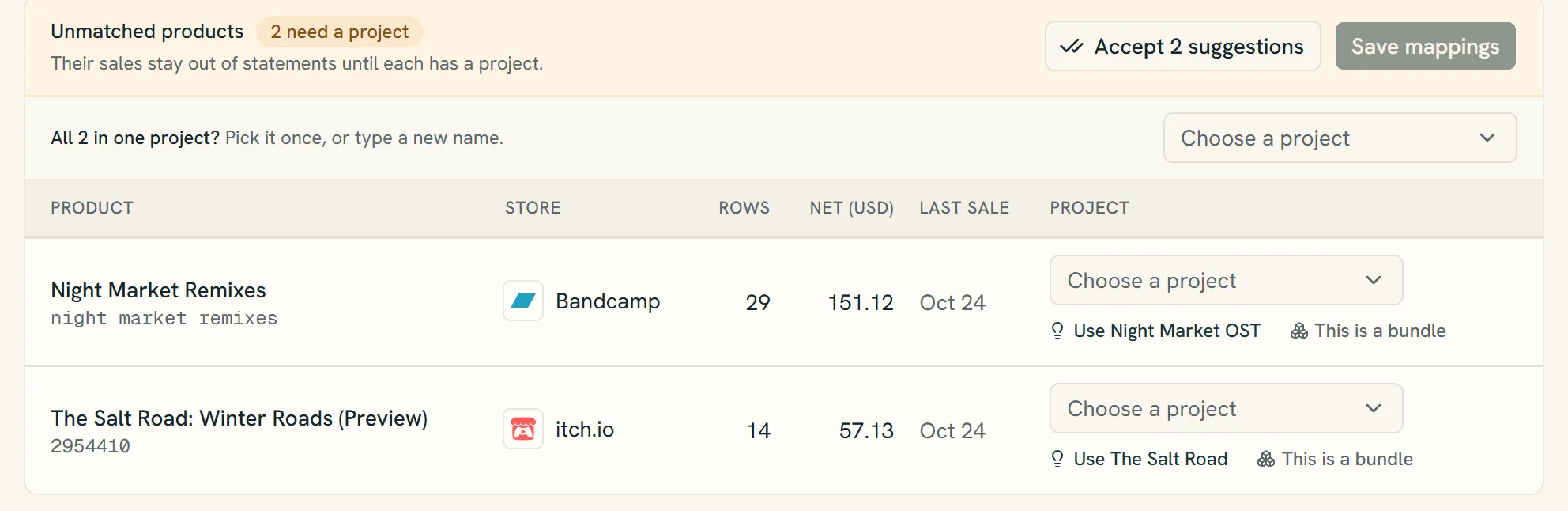
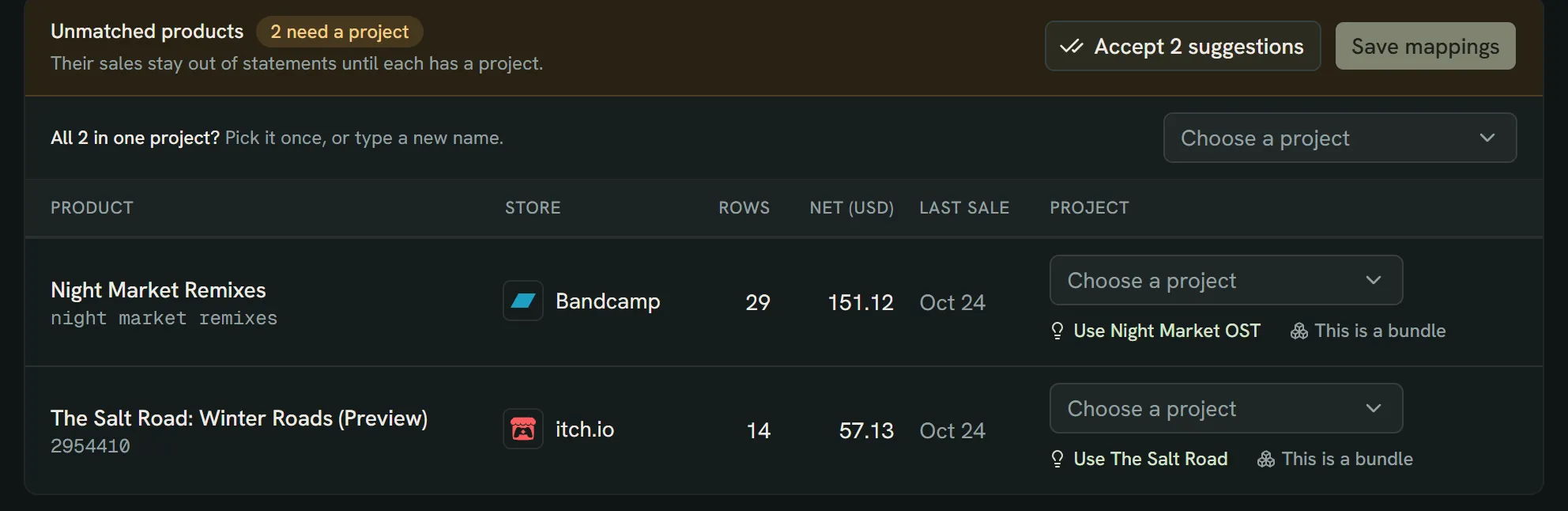
- How many products still need a project. Their sales stay out of statements until then.
- All in one project? Pick one project for every product at once.
- Or pick a project per product. A suggestion like Use Night Market OST fills it in.
- This is a bundle shares one product between several projects.
- Save mappings files the sales under their projects.
Important
A month can't close while it has unmatched sales.
Bundles
One product can cover several projects, for example a zine pack. Choose This is a bundle next to an unmatched product, or Bundle on a product in a project's Sales tab. Pick the projects and give each a share of the sale; Split equally fills them in for you. Shares must add up to 100%.
Each bundle sale, its fees and any refund are shared out by those percentages, exact to the cent; a tied rounding cent goes to the project with the largest share. Then each project's own split applies. The full quantity counts toward every project's units sold.
Sales and statements label these as "Bundle: Zine pack (40%)". Changing a bundle recalculates open months only and is recorded in the audit log.
Sales in a closed month
A sale dated in a month that's already closed is booked into the earliest open month. Closed months never change.
Still have a question?
We reply by email.