Closing a month
Freeze a month's numbers, write statements and record what you paid.
Closing a month freezes its numbers and writes one statement per collaborator. Only owners can close months.
Before you close
The Before closing checklist on Statements has to be complete:
- The month has ended.
- Sales are imported for it.
- Earlier months are closed.
- Every sale has a project. Map any unmatched products first.
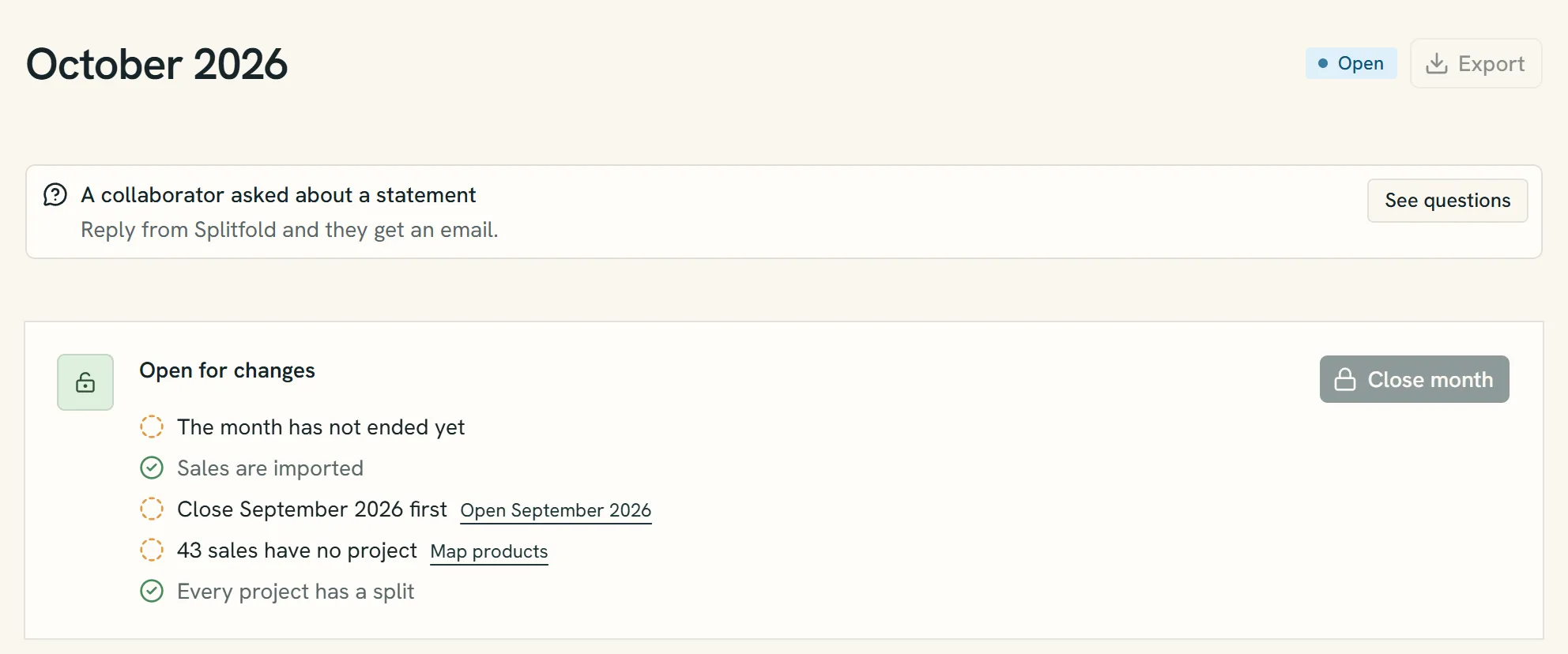
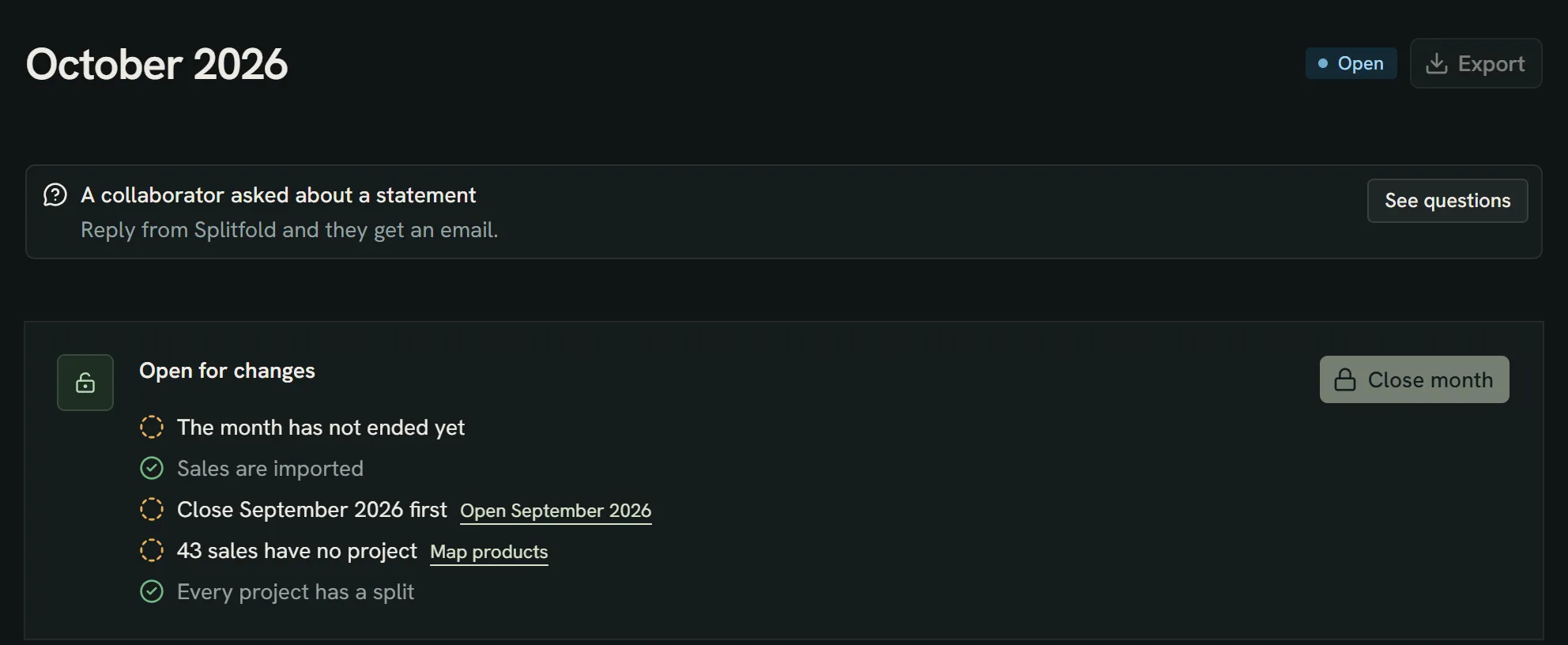
- The month is Open: its numbers can still change.
- The checklist. Every line needs a tick before the month can close.
- Links take you straight to what's missing, like products without a project.
- Close month turns on once every line is ticked. Only owners see it.
Close
Choose Close month. Splitfold recalculates the month one last time, locks it and writes the statements. PDFs and statement emails follow in the background.
After closing
Important
A closed month never changes. If a sale was missing or wrong, import or correct it now: it lands in the earliest open month and shows up on the next statement.
Record a payout
Open a statement and mark it as paid. Enter the date, the method and a transfer ID or note.
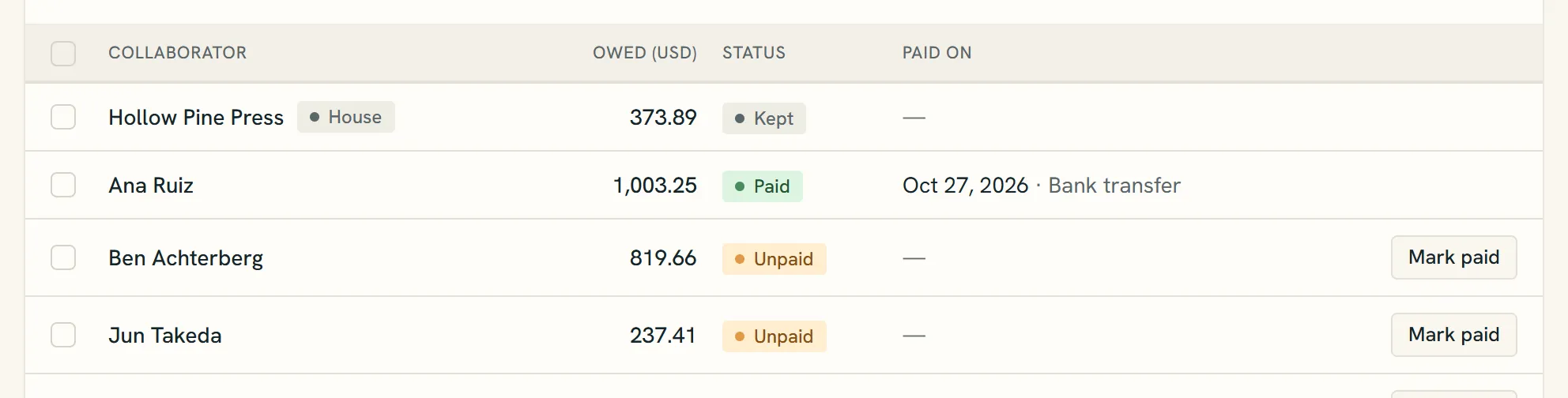
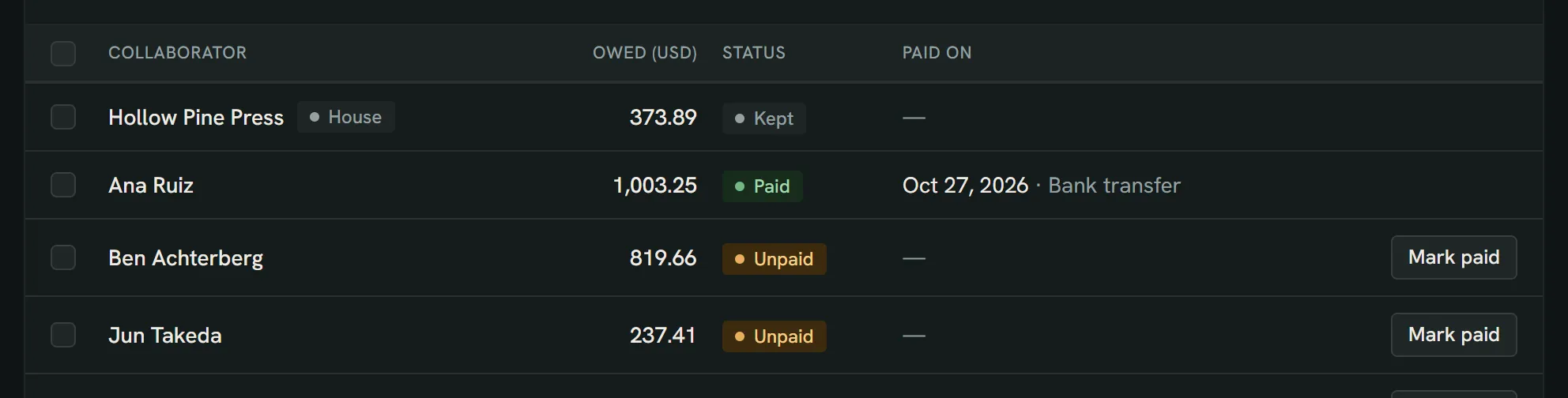
- A recorded payout shows Paid, the date and the method.
- Unpaid until you record what you sent.
- Mark paid once the money has gone out.
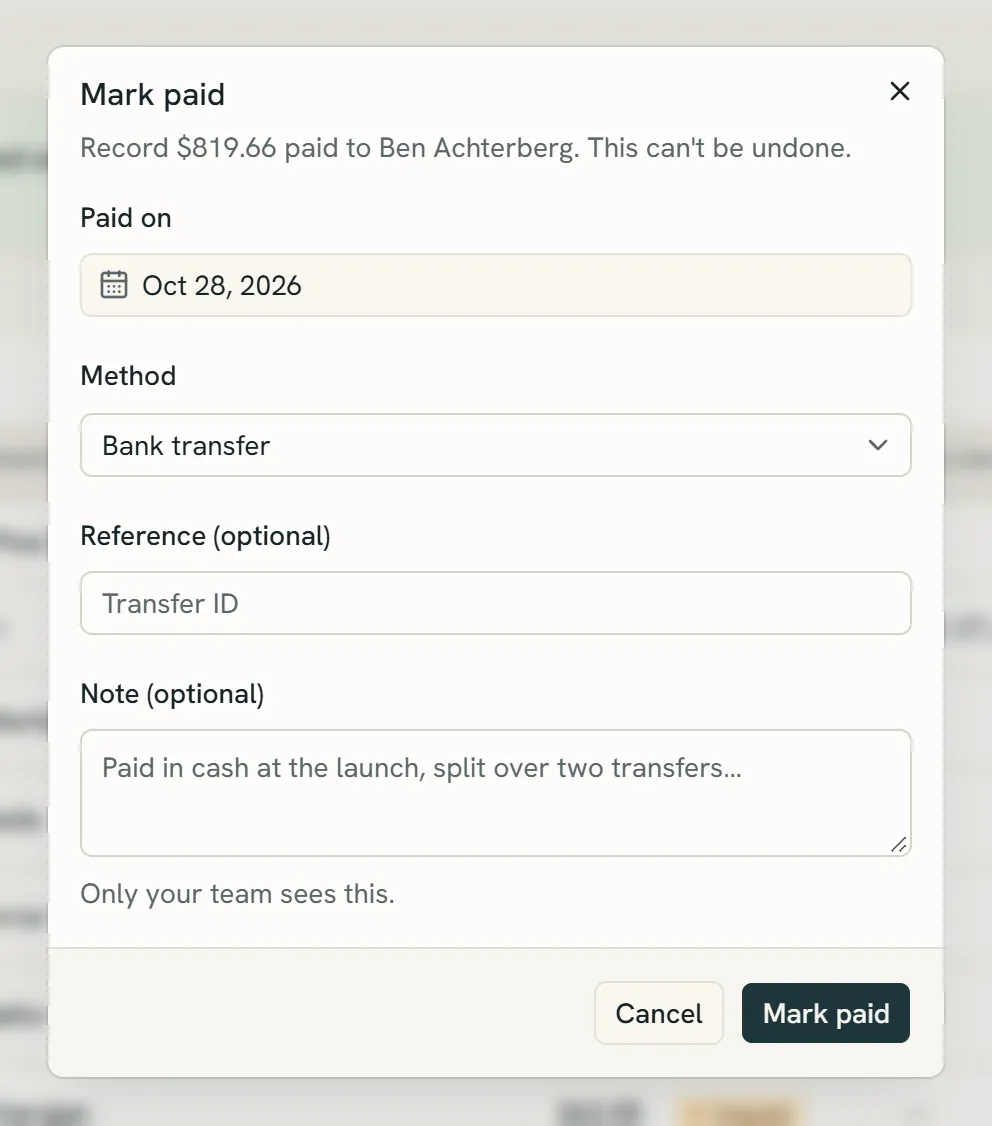
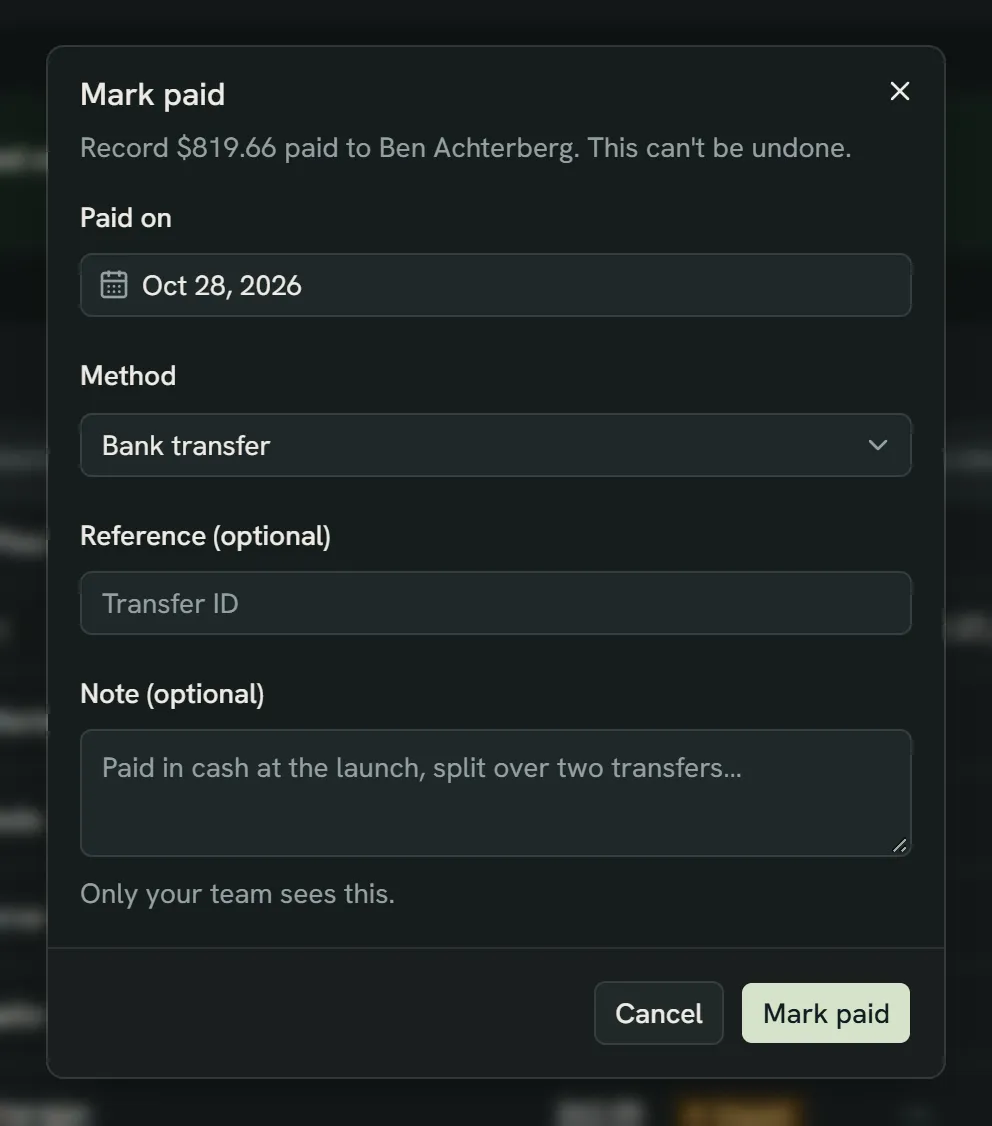
- The day you sent the money. Today is filled in.
- How you paid: bank transfer, PayPal, Wise and so on.
- A transfer ID helps both sides find the payment. The note stays with your team.
- Mark paid records it. A payout can't be undone.
Note
Splitfold doesn't move money. It records what you paid.
Minimum payout
Set a minimum under Settings → Payouts if small balances aren't worth sending. When a month closes, someone whose owed amount (this month plus anything brought forward) is under the minimum gets a statement marked carried forward. It isn't counted as unpaid, and the whole amount moves to next month's statement. A new minimum applies from the next close.
Still have a question?
We reply by email.