Royalty statements from your Any store's CSV sales.
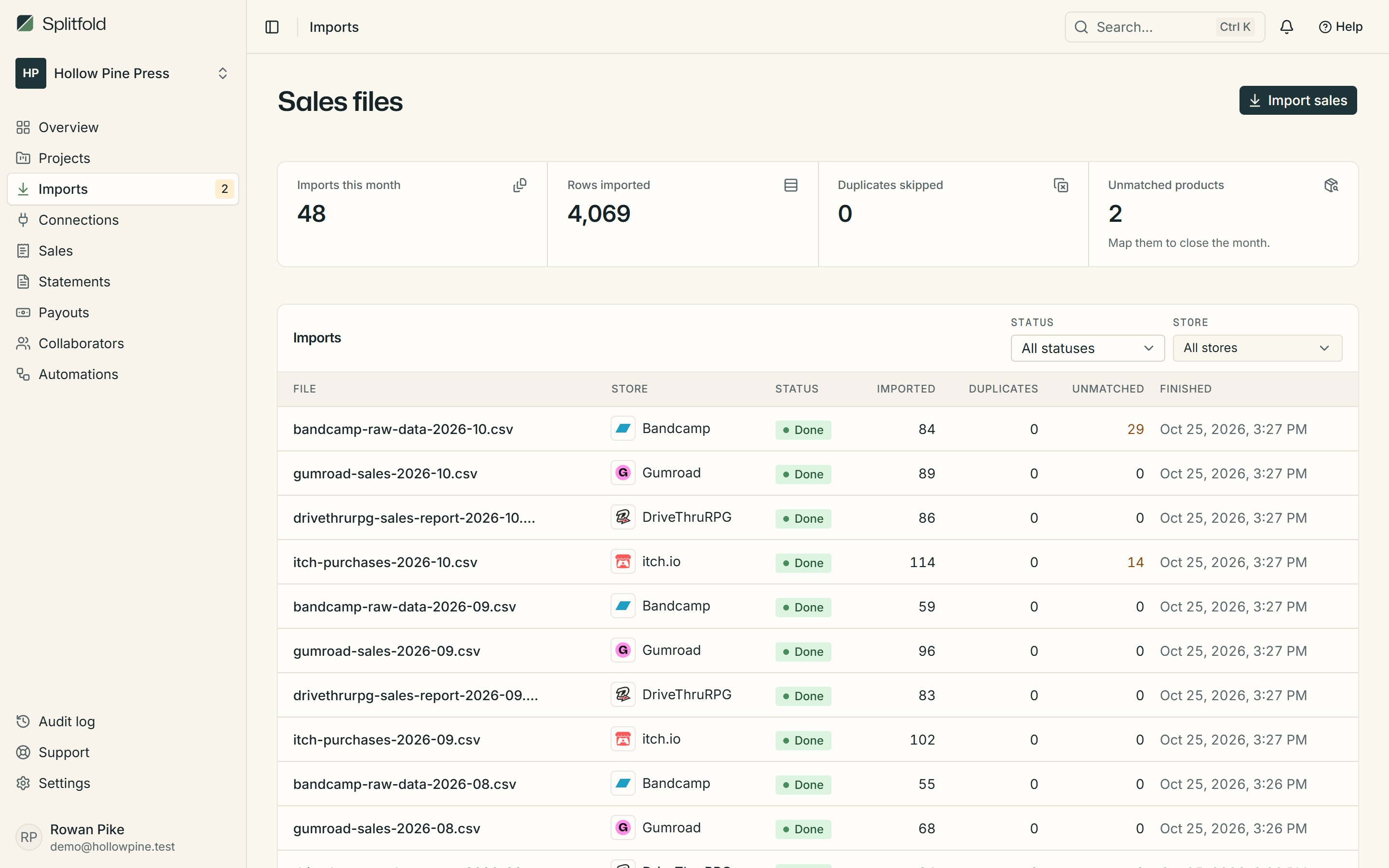
For stores without a built-in importer: choose which column holds the date, product and amounts once, save it as a template, and every later export from that store is read the same way.

What Splitfold reads
- Date, product, quantity, gross, fee and net from the columns you choose
- Comma or dot decimals, thousands separators and Excel dates
- Refunds from negative amounts or a refund column
- The store's own name on statements and the overview
How to bring it in
- 1Export the sales or payout report from the store as CSV
- 2Drop it into Imports and map its columns the first time
- 3Save the mapping as a template; next month's file maps itself
Other stores
- CSV export
itch.io
Games, zines, assets and bundles
- CSV and API
Gumroad
PDFs, courses, music and memberships
- CSV export
DriveThruRPG
Tabletop RPG books, PDFs and bundles
- CSV export
Bandcamp
Albums, tracks and merch
- CSV export
Amazon KDP
Kindle eBooks, paperbacks, hardcovers and Kindle Unlimited reads
- CSV export
ACX
Audiobooks on Audible, Amazon and Apple Books
- CSV export
Kickstarter
Crowdfunded books, games and records
- CSV export
BackerKit
Pledge manager add-ons, late pledges and pre-orders
- API sync
Polar
Software, downloads and subscriptions
- API sync
Lemon Squeezy
Digital products, licences and subscriptions
- API sync
Stripe
Payment Links, checkouts and subscriptions
- API sync
Shopify
Print books, zines, merch and bundles
- API sync
Paddle
Software, games and subscriptions
- Webhook
Ko-fi
Donations, memberships, commissions and shop items
- Webhook
Payhip
Ebooks, courses, memberships and digital downloads
- API sync
Steam
PC games, DLC, soundtracks and in-game items
- API sync
App Store
iPhone, iPad and Mac apps, games and in-app purchases
- API sync
Google Play
Android apps, games, in-app products and subscriptions