Royalty statements from your ACX sales.
Upload the monthly royalty report from your ACX sales dashboard. Each title's royalty per marketplace comes in with ACX's share kept as the fee.

What Splitfold reads
- Royalty per title and marketplace for the month
- Net units after returns
- Returns that outweigh sales as refunds
- Each marketplace in its own currency
How to bring it in
- 1On the ACX sales dashboard, open Earnings and choose the month
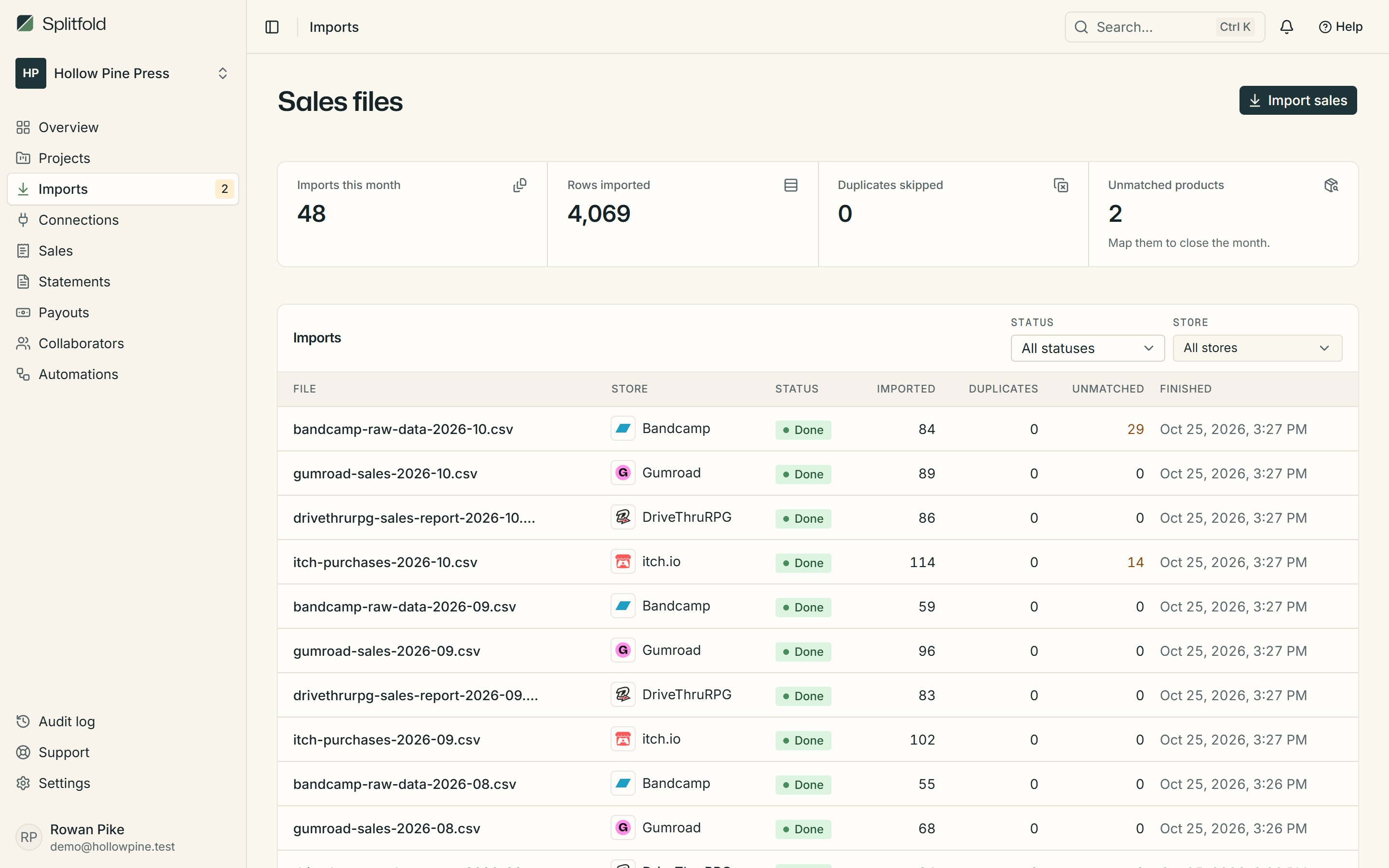
- 2Download the royalty report and drop it into Imports
- 3Map each audiobook to a project the first time you see it
Other stores
- CSV export
itch.io
Games, zines, assets and bundles
- CSV and API
Gumroad
PDFs, courses, music and memberships
- CSV export
DriveThruRPG
Tabletop RPG books, PDFs and bundles
- CSV export
Bandcamp
Albums, tracks and merch
- CSV export
Amazon KDP
Kindle eBooks, paperbacks, hardcovers and Kindle Unlimited reads
- CSV export
Kickstarter
Crowdfunded books, games and records
- CSV export
BackerKit
Pledge manager add-ons, late pledges and pre-orders
- CSV export
Any store's CSV
Epic, GOG, Humble, Fab, Draft2Digital, IngramSpark and more
- API sync
Polar
Software, downloads and subscriptions
- API sync
Lemon Squeezy
Digital products, licences and subscriptions
- API sync
Stripe
Payment Links, checkouts and subscriptions
- API sync
Shopify
Print books, zines, merch and bundles
- API sync
Paddle
Software, games and subscriptions
- Webhook
Ko-fi
Donations, memberships, commissions and shop items
- Webhook
Payhip
Ebooks, courses, memberships and digital downloads
- API sync
Steam
PC games, DLC, soundtracks and in-game items
- API sync
App Store
iPhone, iPad and Mac apps, games and in-app purchases
- API sync
Google Play
Android apps, games, in-app products and subscriptions